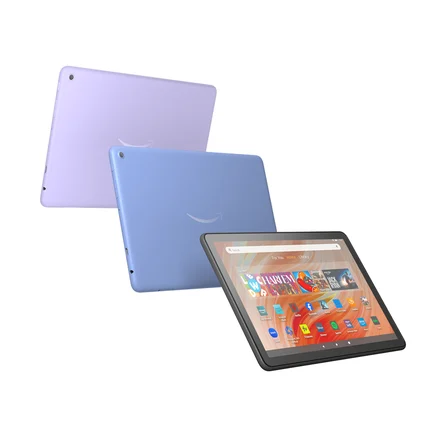
Fire HD 10 (2023, 13th Gen)
The device specifications list the model and software family. Check the exact model before using a Fire OS or Vega OS install guide.
Compare 60 manufacturer images by model, then open the matching setup or compatibility guide.
The device specifications list the model and software family. Check the exact model before using a Fire OS or Vega OS install guide.
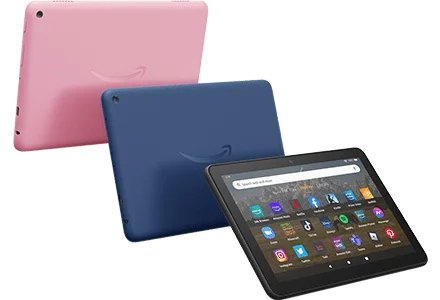
The device specifications list the model and software family. Check the exact model before using a Fire OS or Vega OS install guide.
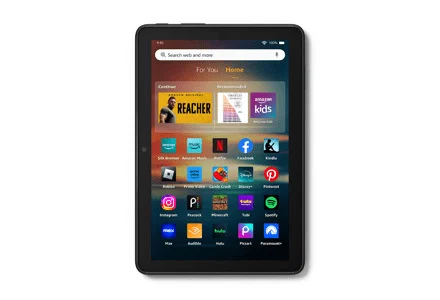
The device specifications list the model and software family. Check the exact model before using a Fire OS or Vega OS install guide.
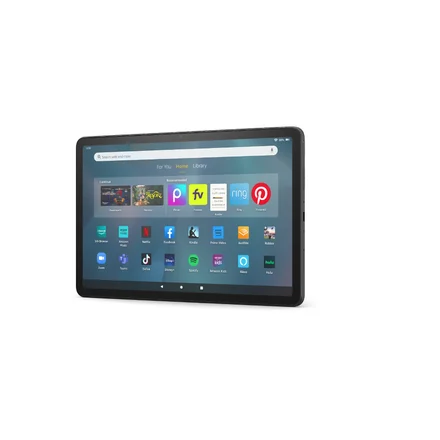
The device specifications list the model and software family. Check the exact model before using a Fire OS or Vega OS install guide.

The device specifications list the model and software family. Check the exact model before using a Fire OS or Vega OS install guide.

The device specifications list the model and software family. Check the exact model before using a Fire OS or Vega OS install guide.

The device specifications list the model and software family. Check the exact model before using a Fire OS or Vega OS install guide.

The device specifications list the model and software family. Check the exact model before using a Fire OS or Vega OS install guide.

The device specifications list the model and software family. Check the exact model before using a Fire OS or Vega OS install guide.

The device specifications list the model and software family. Check the exact model before using a Fire OS or Vega OS install guide.

The device specifications list the model and software family. Check the exact model before using a Fire OS or Vega OS install guide.

The device specifications list the model and software family. Check the exact model before using a Fire OS or Vega OS install guide.

The device specifications list the model and software family. Check the exact model before using a Fire OS or Vega OS install guide.

The device specifications list the model and software family. Check the exact model before using a Fire OS or Vega OS install guide.

The device specifications list the model and software family. Check the exact model before using a Fire OS or Vega OS install guide.

The device specifications list the model and software family. Check the exact model before using a Fire OS or Vega OS install guide.

The device specifications list the model and software family. Check the exact model before using a Fire OS or Vega OS install guide.

The device specifications list the model and software family. Check the exact model before using a Fire OS or Vega OS install guide.

The device specifications list the model and software family. Check the exact model before using a Fire OS or Vega OS install guide.

The device specifications list the model and software family. Check the exact model before using a Fire OS or Vega OS install guide.

The device specifications list the model and software family. Check the exact model before using a Fire OS or Vega OS install guide.

The device specifications list the model and software family. Check the exact model before using a Fire OS or Vega OS install guide.

The device specifications list the model and software family. Check the exact model before using a Fire OS or Vega OS install guide.

The device specifications list the model and software family. Check the exact model before using a Fire OS or Vega OS install guide.
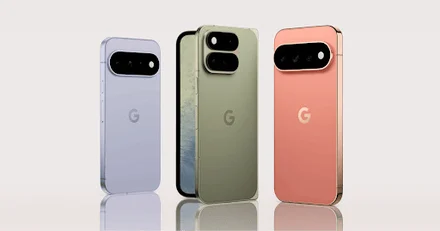
Read the full model and installed software on your own device. Use the manufacturer reference to check the hardware, then verify the player separately.
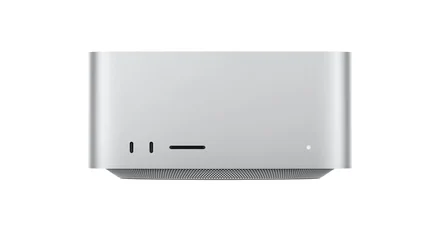
Read the full model and installed software on your own device. Use the manufacturer reference to check the hardware, then verify the player separately.
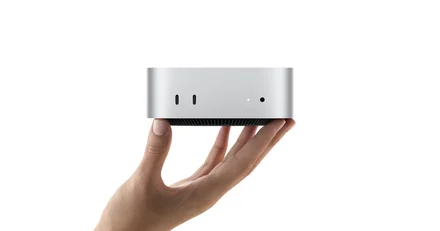
Read the full model and installed software on your own device. Use the manufacturer reference to check the hardware, then verify the player separately.
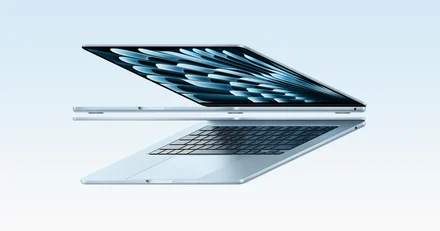
Read the full model and installed software on your own device. Use the manufacturer reference to check the hardware, then verify the player separately.
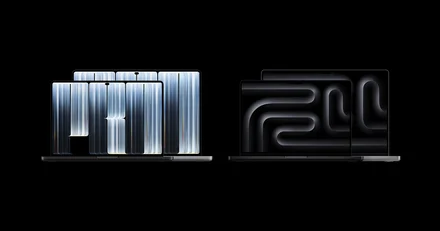
Read the full model and installed software on your own device. Use the manufacturer reference to check the hardware, then verify the player separately.
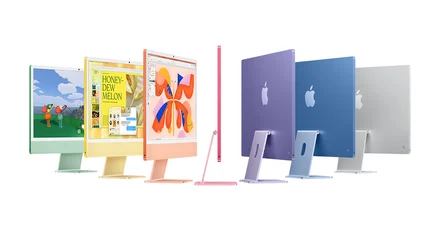
Read the full model and installed software on your own device. Use the manufacturer reference to check the hardware, then verify the player separately.
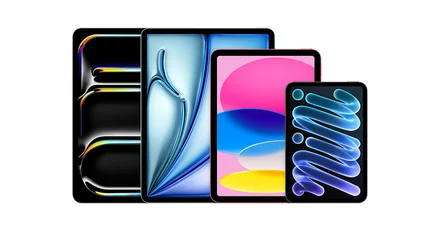
Read the full model and installed software on your own device. Use the manufacturer reference to check the hardware, then verify the player separately.
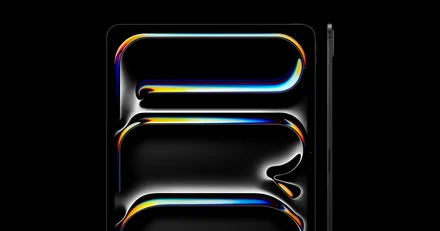
Read the full model and installed software on your own device. Use the manufacturer reference to check the hardware, then verify the player separately.
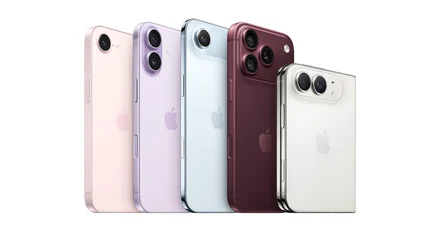
Read the full model and installed software on your own device. Use the manufacturer reference to check the hardware, then verify the player separately.

Read the full model and installed software on your own device. Use the manufacturer reference to check the hardware, then verify the player separately.

Read the full model and installed software on your own device. Use the manufacturer reference to check the hardware, then verify the player separately.

Read the full model and installed software on your own device. Use the manufacturer reference to check the hardware, then verify the player separately.

Read the full model and installed software on your own device. Use the manufacturer reference to check the hardware, then verify the player separately.

Read the full model and installed software on your own device. Use the manufacturer reference to check the hardware, then verify the player separately.

Read the full model and installed software on your own device. Use the manufacturer reference to check the hardware, then verify the player separately.

Read the full model and installed software on your own device. Use the manufacturer reference to check the hardware, then verify the player separately.
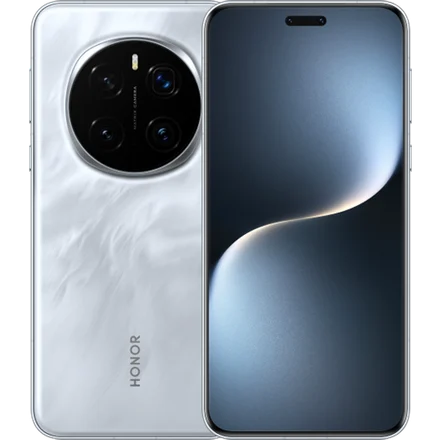
Start with your phone’s own app store and software version. Check a sample directly on the phone before comparing the result on a television.
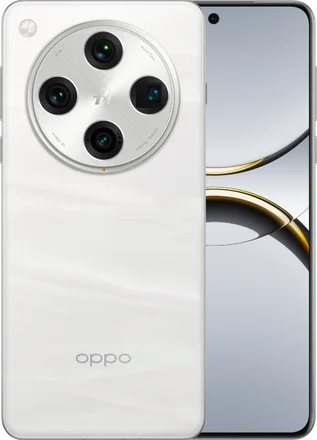
Start with your phone’s own app store and software version. Check a sample directly on the phone before comparing the result on a television.
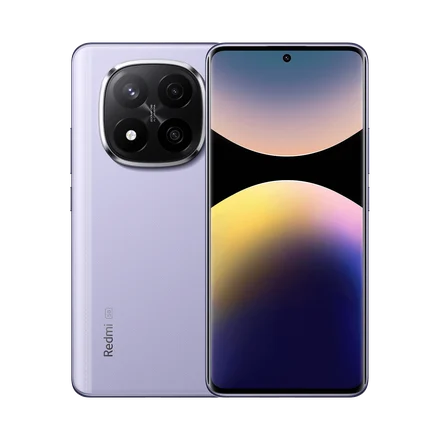
Start with your phone’s own app store and software version. Check a sample directly on the phone before comparing the result on a television.
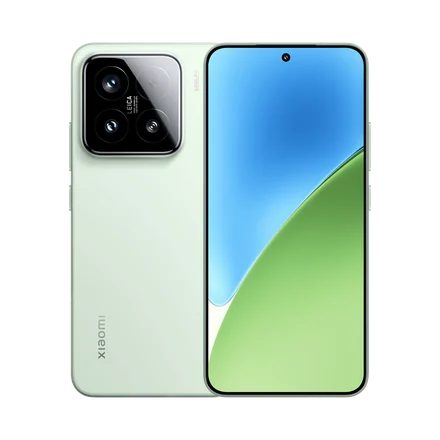
Start with your phone’s own app store and software version. Check a sample directly on the phone before comparing the result on a television.
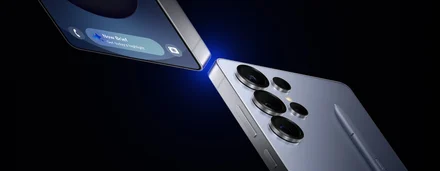
Start with your phone’s own app store and software version. Check a sample directly on the phone before comparing the result on a television.
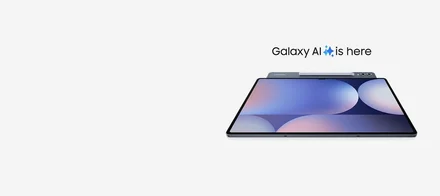
Start with your phone’s own app store and software version. Check a sample directly on the phone before comparing the result on a television.
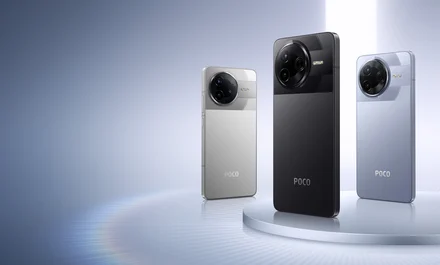
Start with your phone’s own app store and software version. Check a sample directly on the phone before comparing the result on a television.

The model and installed TV platform determine which store to check. Use your own screen’s About page before following a setup guide.

The model and installed TV platform determine which store to check. Use your own screen’s About page before following a setup guide.

The model and installed TV platform determine which store to check. Use your own screen’s About page before following a setup guide.

The model and installed TV platform determine which store to check. Use your own screen’s About page before following a setup guide.

Confirm whether you have the cylindrical SHIELD TV or the SHIELD TV Pro. When a symptom appears, check the app and HDMI output on the actual model.

Confirm whether you have the cylindrical SHIELD TV or the SHIELD TV Pro. When a symptom appears, check the app and HDMI output on the actual model.

Match the complete model name and generation against your device settings. Confirm the app listing from the storefront on that box.

Match the complete model name and generation against your device settings. Confirm the app listing from the storefront on that box.

Match the complete model name and generation against your device settings. Confirm the app listing from the storefront on that box.

Match the complete model name and generation against your device settings. Confirm the app listing from the storefront on that box.